


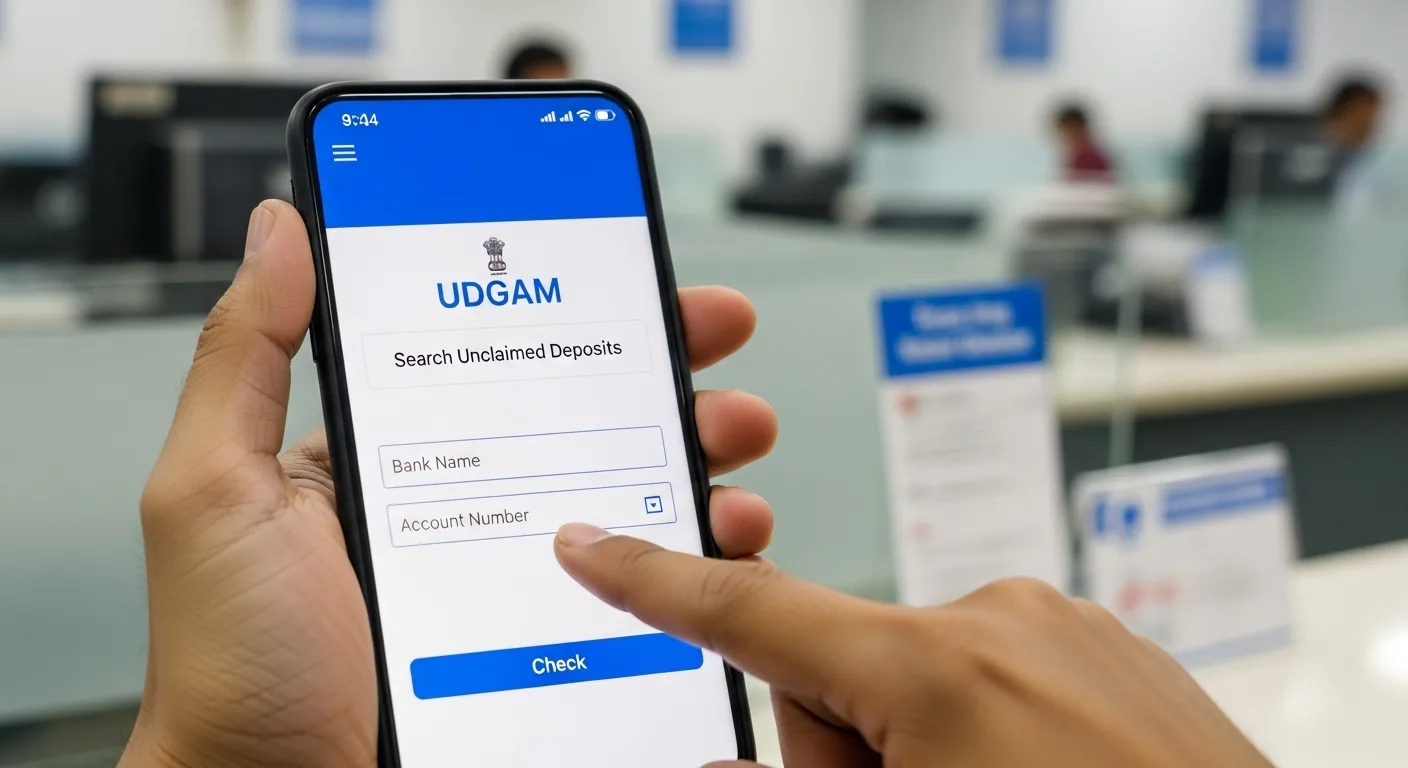
- A Fortune Waiting to Be Claimed Picture this: somewhere in India’s vast banking system, there’s money with your name on it that you’ve completely forgotten about.
- Indian banks currently hold over ₹67,000 crore in deposits that account holders haven’t touched in years.
- A portion of this massive sum could belong to you.
- The Reserve Bank of India has created a powerful solution that transforms what used to be an exhausting wild goose chase into a simple online search.
- This solution is called UDGAM, and it might just reunite you with money you thought was lost forever.
A Fortune Waiting to Be Claimed
Picture this: somewhere in India’s vast banking system, there’s money with your name on it that you’ve completely forgotten about. You’re not alone. Indian banks currently hold over ₹67,000 crore in deposits that account holders haven’t touched in years. A portion of this massive sum could belong to you.
The good news? The Reserve Bank of India has created a powerful solution that transforms what used to be an exhausting wild goose chase into a simple online search. This solution is called UDGAM, and it might just reunite you with money you thought was lost forever.
Decoding UDGAM: Your Financial Detective Tool
UDGAM—which stands for Unclaimed Deposits-Gateway to Access inforMation—functions as a centralized search engine specifically designed for tracking down dormant bank accounts. Think of it as a master directory that connects to multiple banks simultaneously.
Instead of the old method of physically visiting branches or making countless phone calls to different banks, you can now conduct a comprehensive search across numerous financial institutions from the comfort of your home. The RBI developed this digital platform to simplify what was previously a bureaucratic maze.
When Your Money Gets Classified as “Unclaimed”
Understanding the timeline is crucial. Your bank account enters “unclaimed” status when a full decade passes without any transactions or activity. This ten-year rule applies to:
- Savings accounts – counted from your last transaction
- Current accounts – counted from your last transaction
- Term deposits/Fixed deposits – counted from the maturity date, not the opening date
After this ten-year dormancy period, banking regulations require institutions to move these funds into a special Reserve Bank of India account known as the Depositor Education and Awareness (DEA) fund. This transfer isn’t the end of the road—your ownership rights remain intact, but the recovery method changes.
UDGAM’s Reach: Impressive Adoption Numbers
The platform has gained significant traction since launch. By July 1, 2025, the user count exceeded 859,683 registered individuals who have used the system to hunt for their forgotten deposits. This substantial figure highlights how widespread the problem of abandoned accounts really is.
The portal currently connects with thirty major banking institutions, collectively accounting for more than 90% of all funds sitting in the DEA Fund. This extensive coverage means your chances of finding lost money are remarkably high if you’ve ever banked with any major Indian institution.
Your Step-by-Step UDGAM Journey
Creating Your Account: The Foundation
Head to the official website at https://udgam.rbi.org.in/unclaimed-deposits/ and locate the registration option on the landing page.
You’ll need to provide:
- An active mobile number (this becomes your username)
- Your legal first and last names as they appear on official documents
- A password you create (you’ll enter it twice for confirmation)
- The captcha code shown on screen
Before submitting, you must accept two declarations:
- Acknowledgment of the platform’s privacy policy and disclaimer
- Commitment to use the service legitimately
After clicking next, your phone will receive a one-time password. Enter this verification code to complete your account setup. The entire registration typically takes three to five minutes.
Logging Into Your Account
Returning users follow a straightforward process:
- Enter your registered mobile number
- Input your password
- Solve the captcha puzzle
- Verify your identity with the OTP sent to your phone
- Click the login button to access your dashboard
Running Your Search: Personal Accounts
Once logged in, navigate to the search section and select the “Individual” category for personal accounts.
Required Information:
- Your complete name (must match bank records exactly)
- Bank name (select from the dropdown menu)
Plus at least ONE of these identifiers:
- PAN (Permanent Account Number)
- Voter ID card number
- Driving License number
- Passport number
- Date of Birth
Smart Search Tip: Can’t remember which bank you used? The system allows you to search using your address information as an alternative approach, which can help when specific bank names escape your memory.
Interpreting Your Results
When the system finds potential matches, you’ll see four key data points for each result:
- Account holder name
- Location/Place (visible when you click the record)
- Bank name (displayed as a clickable hyperlink)
- Unclaimed Deposit Reference Number or UDRN (visible when you click the record)
Each result is clickable to reveal additional details. The bank name functions as a direct link to proceed with claims.
The Claiming Process: Getting Your Money Back
Finding your deposit is only the first milestone. To actually withdraw your money:
Step 1: Click on the bank name hyperlink in your search results
Step 2: The system redirects you to that particular bank’s official webpage
Step 3: Review the bank’s specific claiming instructions displayed on their page
Step 4: Follow their unique requirements, which typically include:
- Contacting the appropriate branch or calling their customer service
- Providing identity verification and account documentation
- Quoting your UDRN to help staff locate your account faster
- Completing any claim forms the institution requires
Essential Understanding: UDGAM serves purely as a discovery and information platform. The actual money transfer happens through direct interaction with the bank holding your deposit, not through the UDGAM website itself.
Understanding UDRN: Your Deposit’s Unique Code
Every unclaimed account transferred to the DEA Fund receives a unique Unclaimed Deposit Reference Number generated through the bank’s Core Banking Solution system. This alphanumeric code serves two important purposes:
Privacy Protection: The UDRN masks your personal details and specific branch information, preventing third parties from identifying you through public searches.
Quick Processing: When you approach the bank, providing this number allows staff to instantly retrieve your account information without manually searching through archives.
Think of the UDRN as a tracking number for your forgotten funds—it’s your golden ticket to faster claim processing.